CentOS 7 部署 RustFS 对象存储 + cpolar 内网穿透:实现公网访问

 0
0 0
0 0
0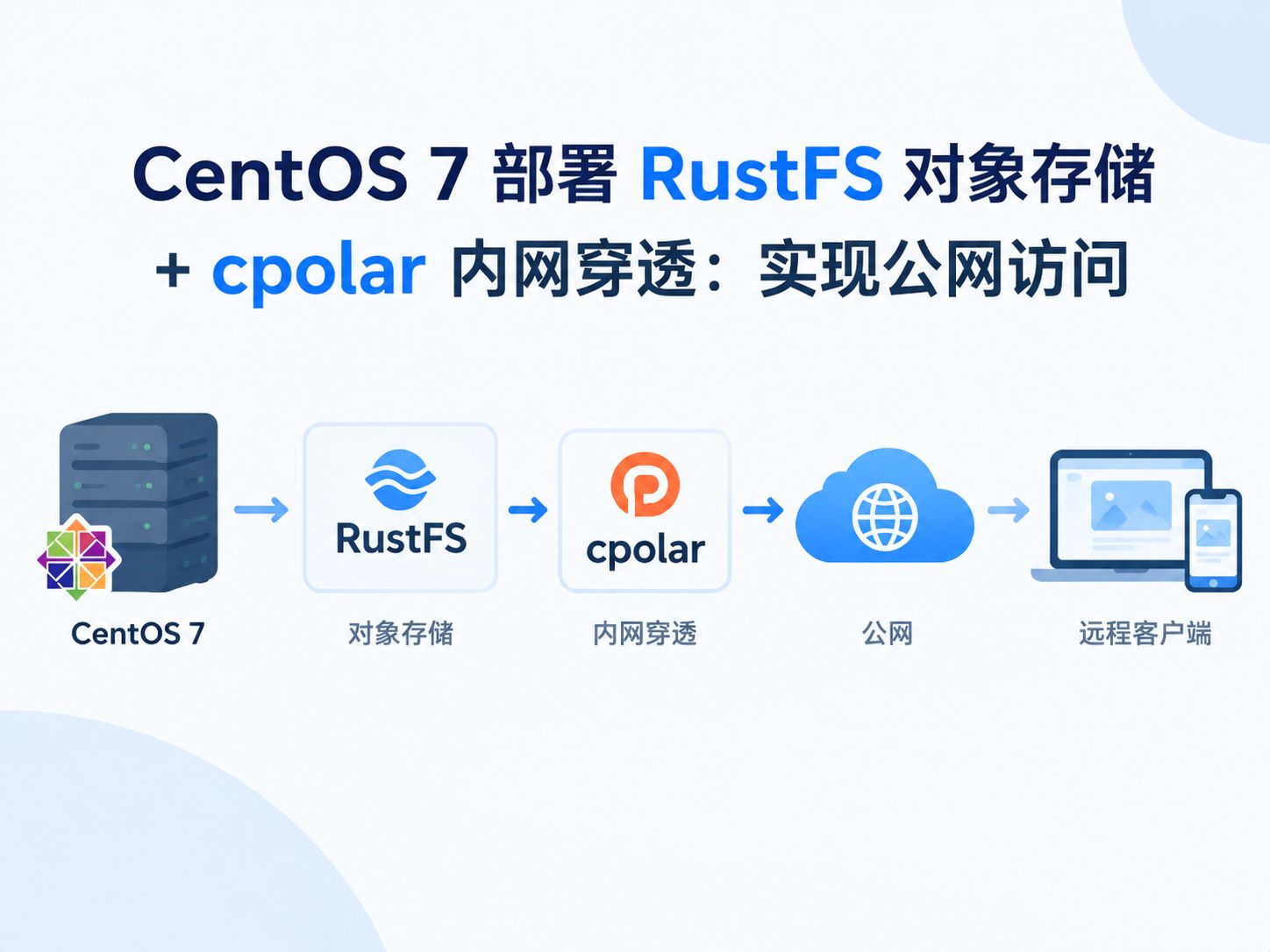
本文详解在 CentOS 7 系统中部署 RustFS 对象存储的完整流程,并演示如何通过 cpolar 内网穿透实现公网安全访问,助你快速搭建可远程调用的私有云存储服务。
1
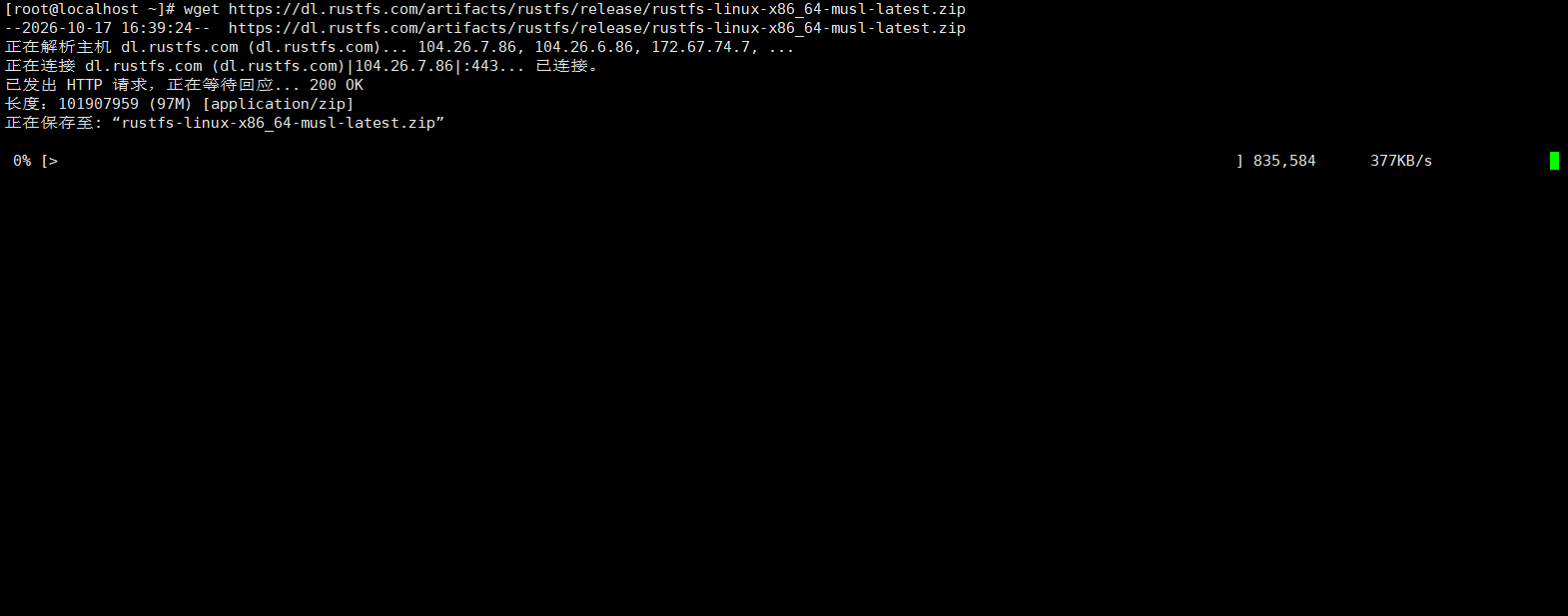
下载安装包




123
# 下载地址 使用wget拉取资源
wget https://dl.rustfs.com/artifacts/rustfs/release/rustfs-linux-x86_64-musl-latest.zip
# 解压rustfs
unzip rustfs-linux-x86_64-musl-latest.zip
# 修改权限
chmod +x rustfs
# 移动rustfs目录
mv rustfs /usr/local/bin/
2
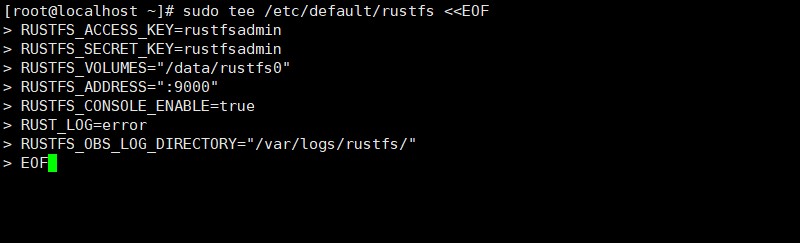
配置环境变量

12
# 创建配置文件
sudo tee /etc/default/rustfs <<EOF
RUSTFS_ACCESS_KEY=rustfsadmin
RUSTFS_SECRET_KEY=rustfsadmin
RUSTFS_VOLUMES="/data/rustfs0"
RUSTFS_ADDRESS=":9000"
RUSTFS_CONSOLE_ENABLE=true
RUST_LOG=error
RUSTFS_OBS_LOG_DIRECTORY="/var/logs/rustfs/"
EOF
# 创建存储目录
sudo mkdir -p /data/rustfs0 /var/logs/rustfs /opt/tls
sudo chmod -R 750 /data/rustfs* /var/logs/rustfs
3
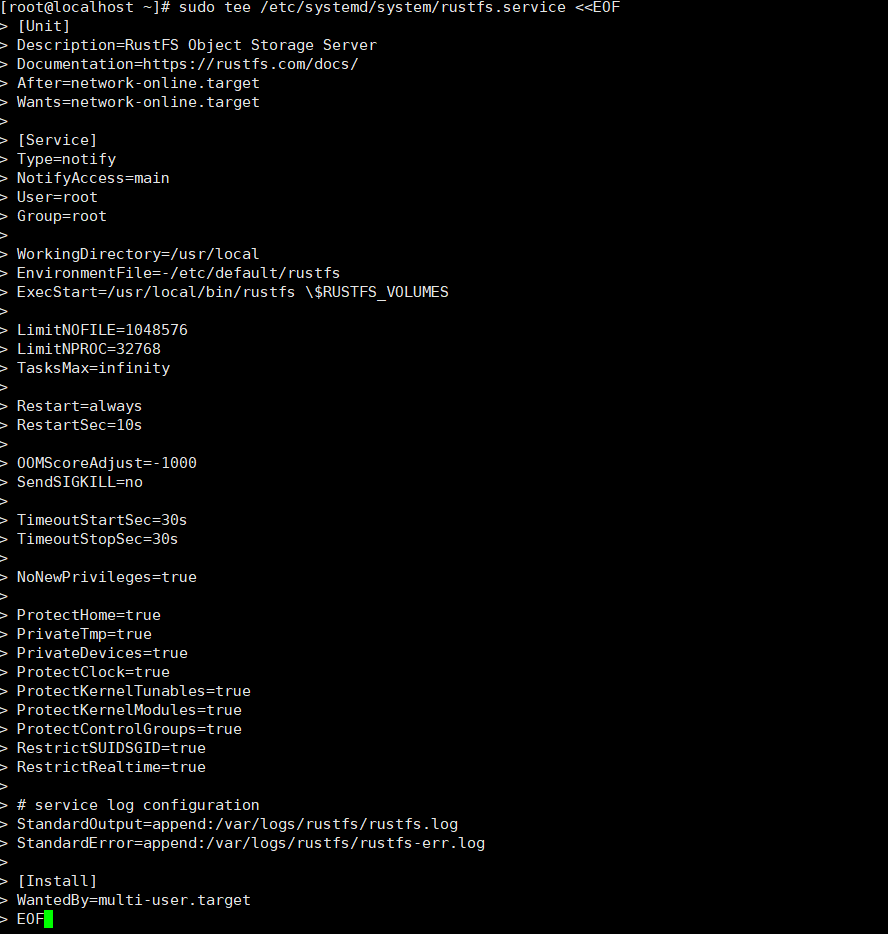
配置系统服务
# 创建systemd文件
sudo tee /etc/systemd/system/rustfs.service <<EOF
[Unit]
Description=RustFS Object Storage Server
Documentation=https://rustfs.com/docs/
After=network-online.target
Wants=network-online.target
[Service]
Type=notify
NotifyAccess=main
User=root
Group=root
WorkingDirectory=/usr/local
EnvironmentFile=-/etc/default/rustfs
ExecStart=/usr/local/bin/rustfs \$RUSTFS_VOLUMES
LimitNOFILE=1048576
LimitNPROC=32768
TasksMax=infinity
Restart=always
RestartSec=10s
OOMScoreAdjust=-1000
SendSIGKILL=no
TimeoutStartSec=30s
TimeoutStopSec=30s
NoNewPrivileges=true
ProtectHome=true
PrivateTmp=true
PrivateDevices=true
ProtectClock=true
ProtectKernelTunables=true
ProtectKernelModules=true
ProtectControlGroups=true
RestrictSUIDSGID=true
RestrictRealtime=true
# service log configuration
StandardOutput=append:/var/logs/rustfs/rustfs.log
StandardError=append:/var/logs/rustfs/rustfs-err.log
[Install]
WantedBy=multi-user.target
EOF
# 重新加载服务
sudo systemctl daemon-reload
4
开机自启
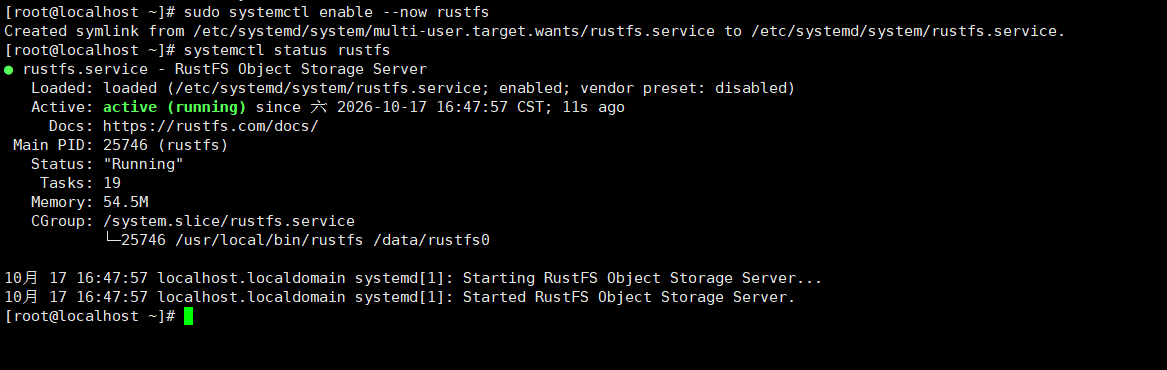
# 启动服务并设置为开机自启
sudo systemctl enable --now rustfs
# 查看服务状态
sudo systemctl status rustfs
5
访问服务
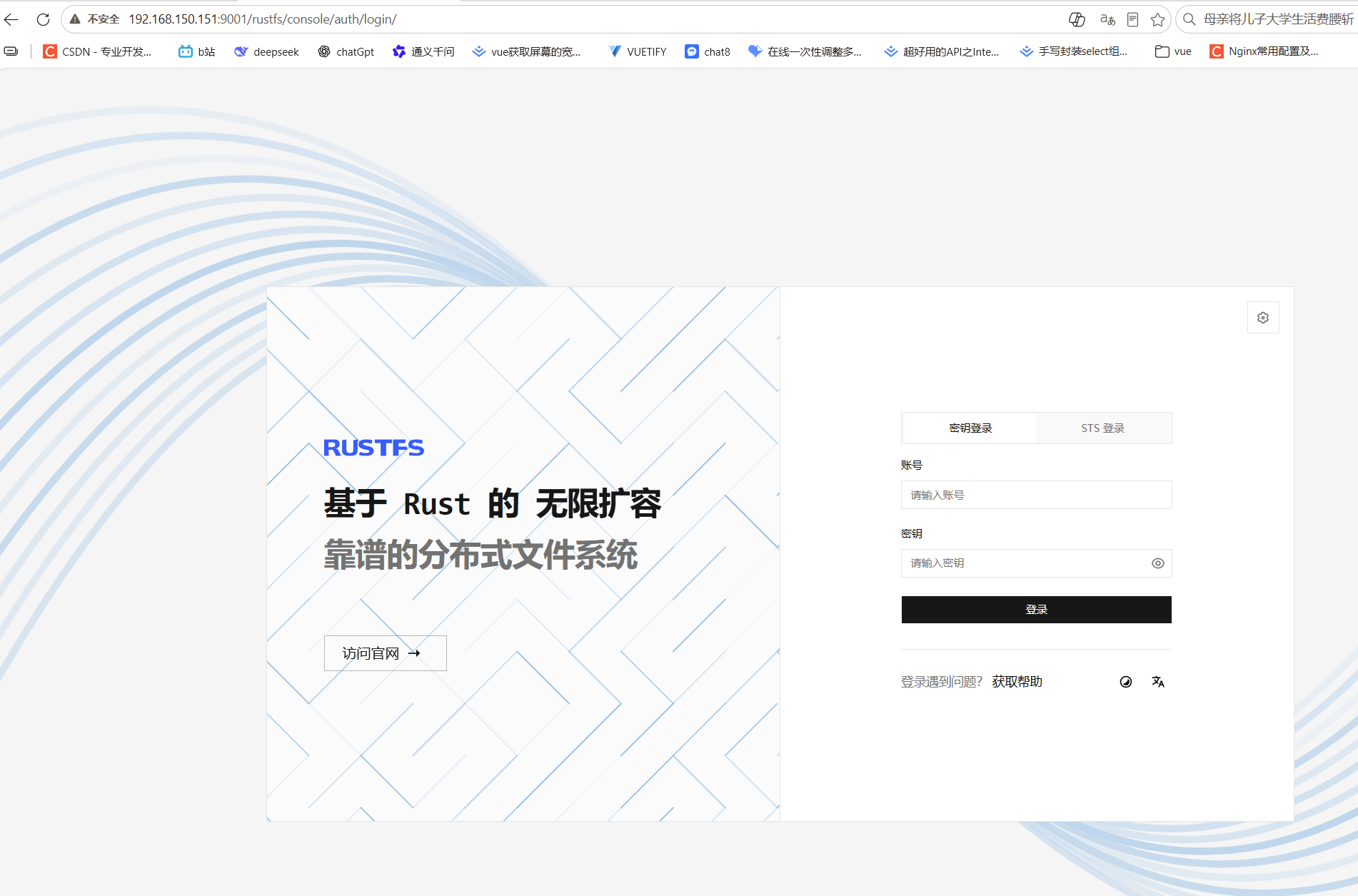
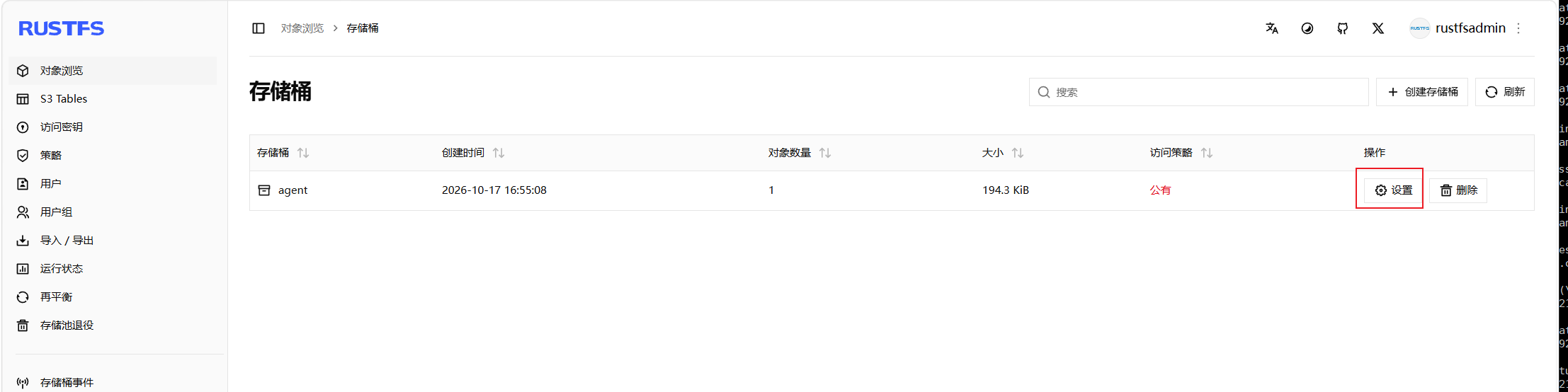
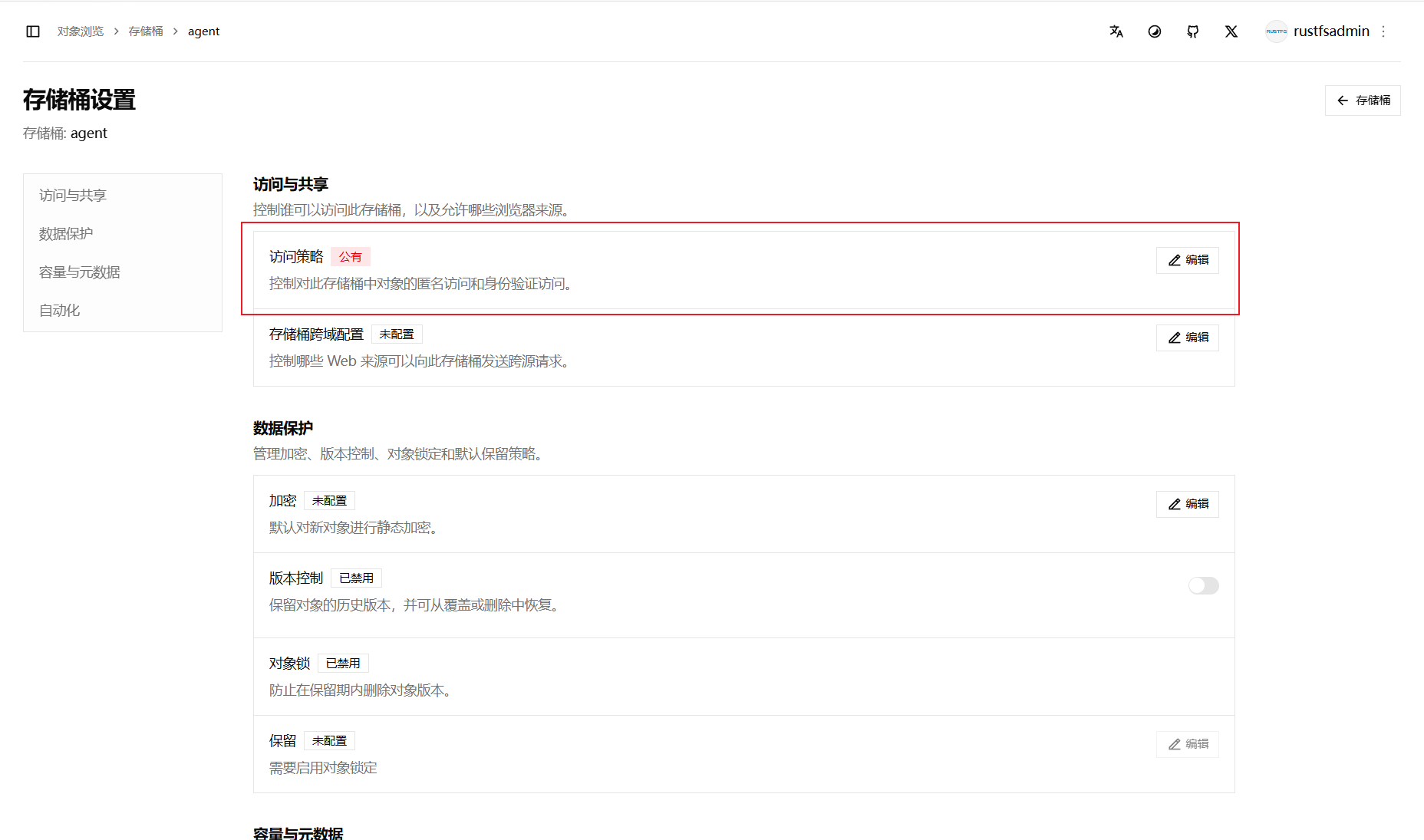
123
通过 IP:9001 访问 RustFS 后台。新建存储桶并上传图片以测试访问功能。如需公开访问,请在存储桶设置中将策略改为“公共”(生产环境慎用)。
6
安装Cpolar
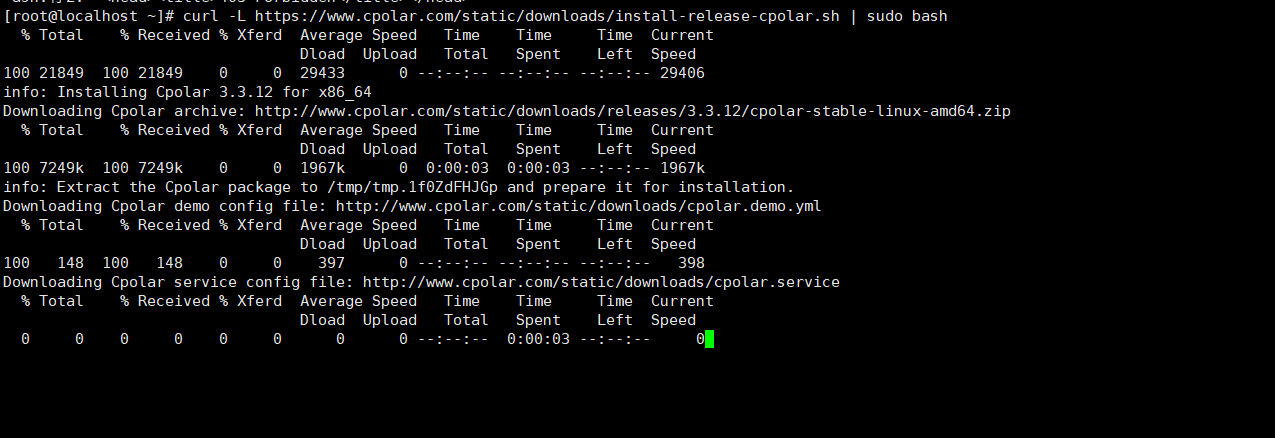
# 安装curl 没有需要安装
sudo yum install curl
# 下载cpolar
curl -L https://www.cpolar.com/static/downloads/install-release-cpolar.sh | sudo bash
# 查看版本号 出现版本号说明安装成功
cpolar version
7
创建token
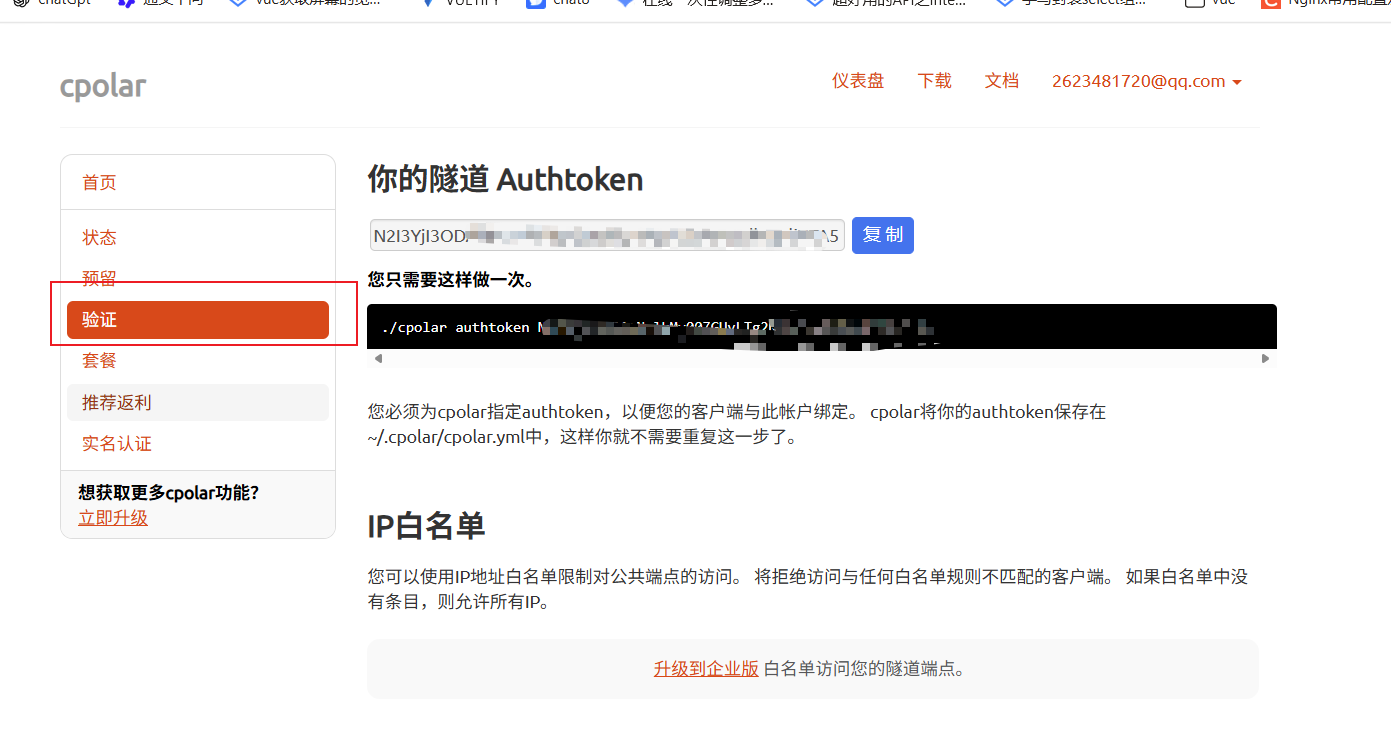
搜索cpolar官网注册一个账号,进入官网后切换到验证复制你的隧道Authtoken。
# 验证
cpolar authtoken xxxx(复制的token)
8
cpolar开机自启
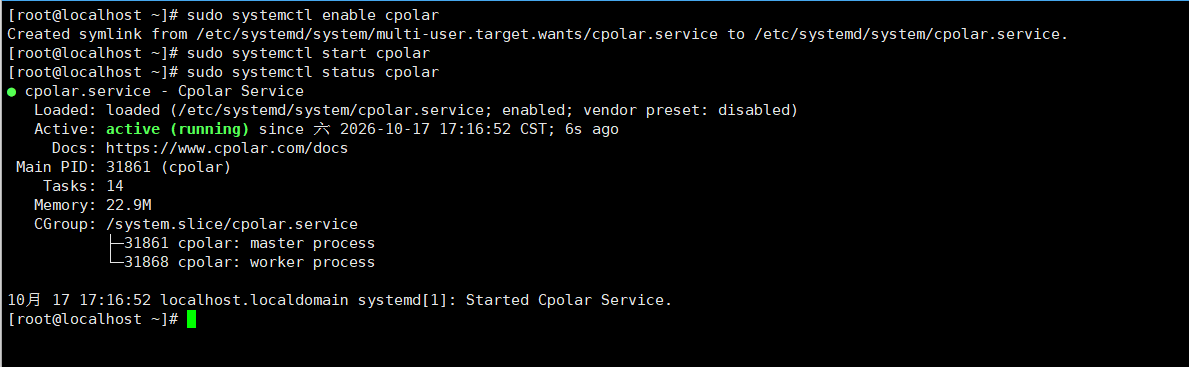
# 开机自启
sudo systemctl enable cpolar
# 启动服务
sudo systemctl start cpolar
# 查看服务状态
sudo systemctl status cpolar
9
配置 cpolar 隧道以公网访问 RustFS
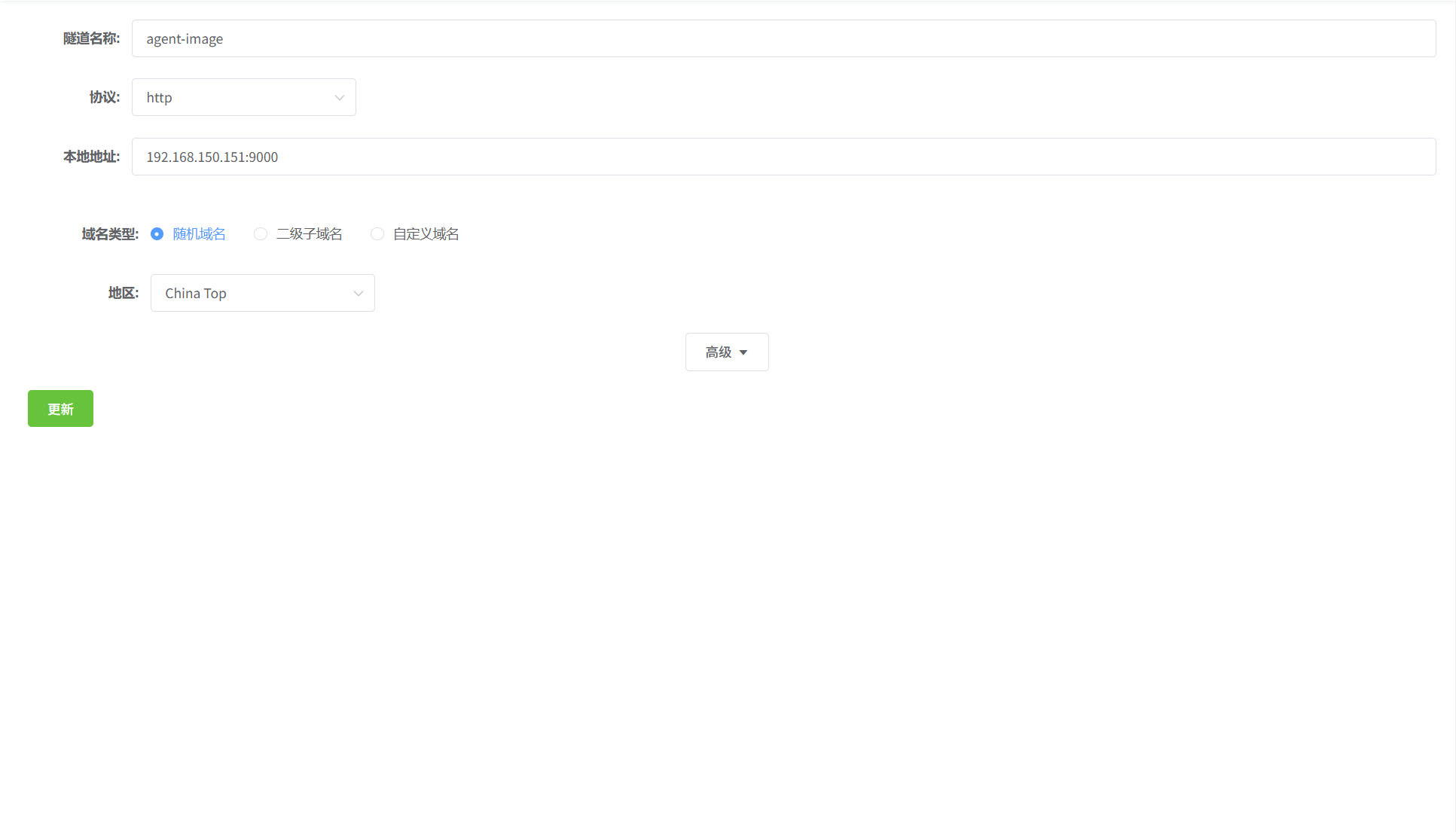
123
- 登录控制台:在浏览器输入
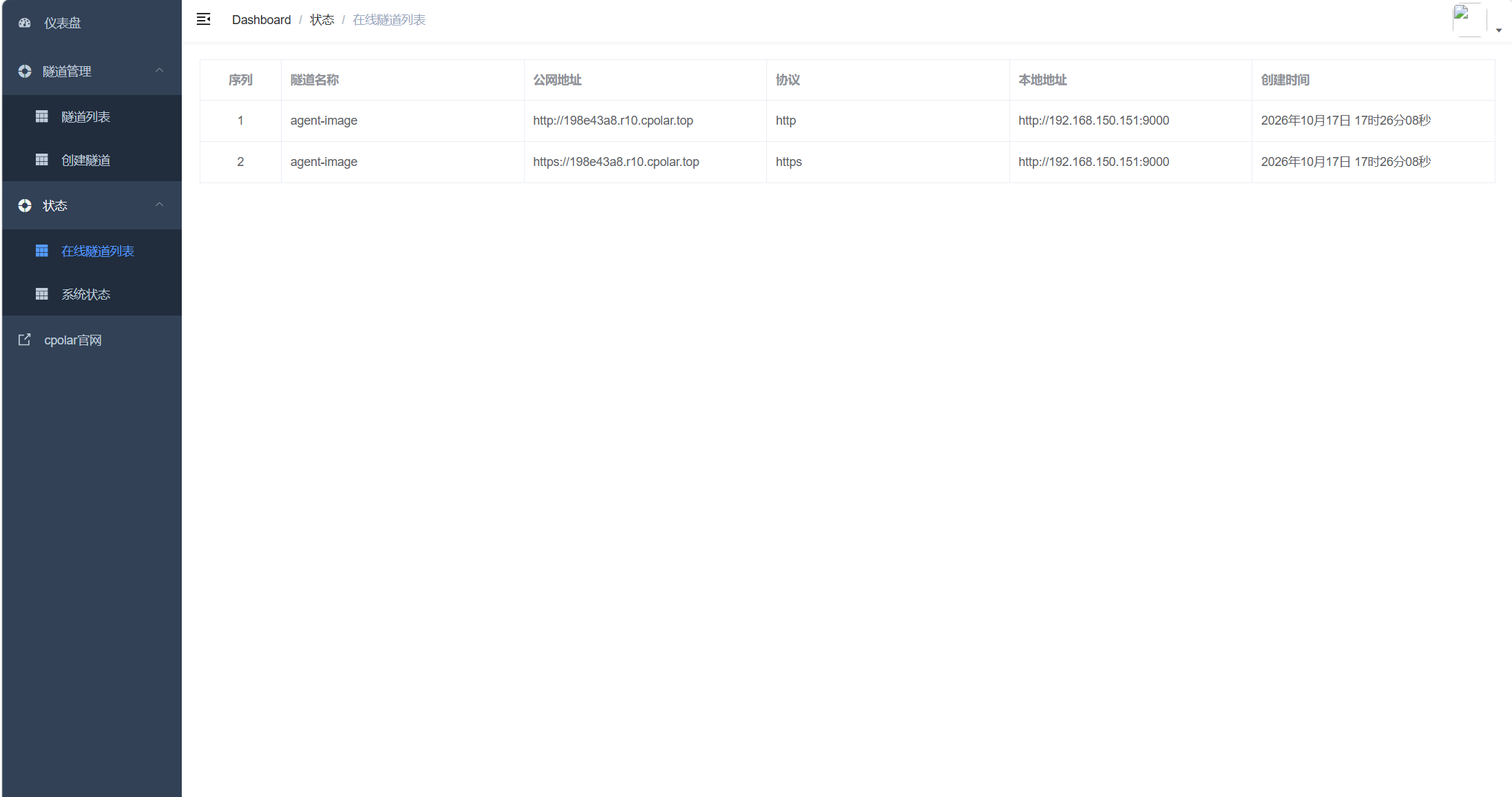
IP:9200访问 cpolar UI 页面。 - 创建隧道:进入「隧道管理」>「创建隧道」,将本地地址填写为 RustFS 服务的实际监听地址(如
127.0.0.1:9000),点击「创建」完成配置。 - 获取公网地址:在「状态」>「在线隧道列表」中复制生成的公网访问地址。
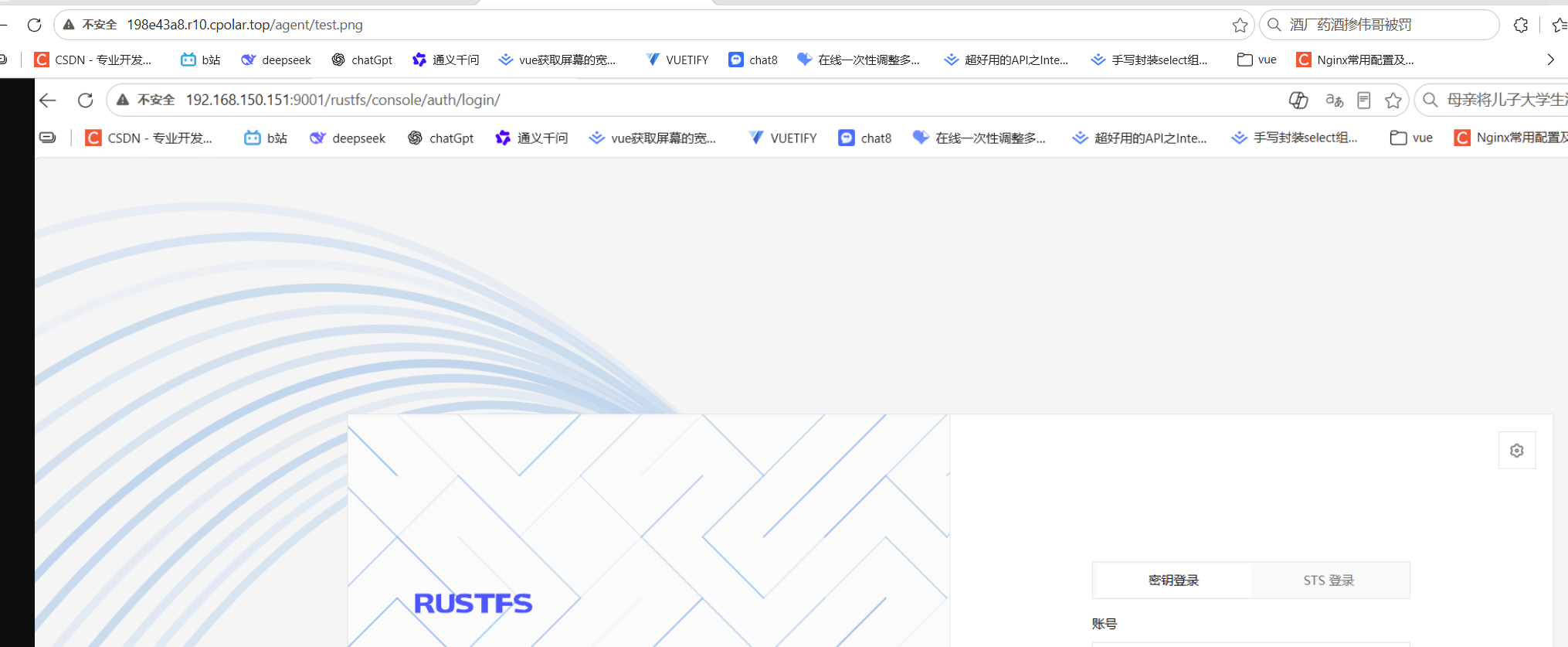
- 验证访问:将公网地址粘贴至浏览器,确认能否正常访问 RustFS 中的图片资源。
 0
0 0
0 0
0 qq空间
qq空间  微博
微博  复制链接
复制链接  分享
分享  本文未经作者允许授权,禁止转载
 更多相关项目
猜你喜欢
评论/提问(已发布 0 条)

 评论
评论  收藏
收藏  分享
分享  下载
下载  举报
举报  回顶部
回顶部