CentOS 7 内网 YUM 本地仓库搭建

 0
0 0
0 0
0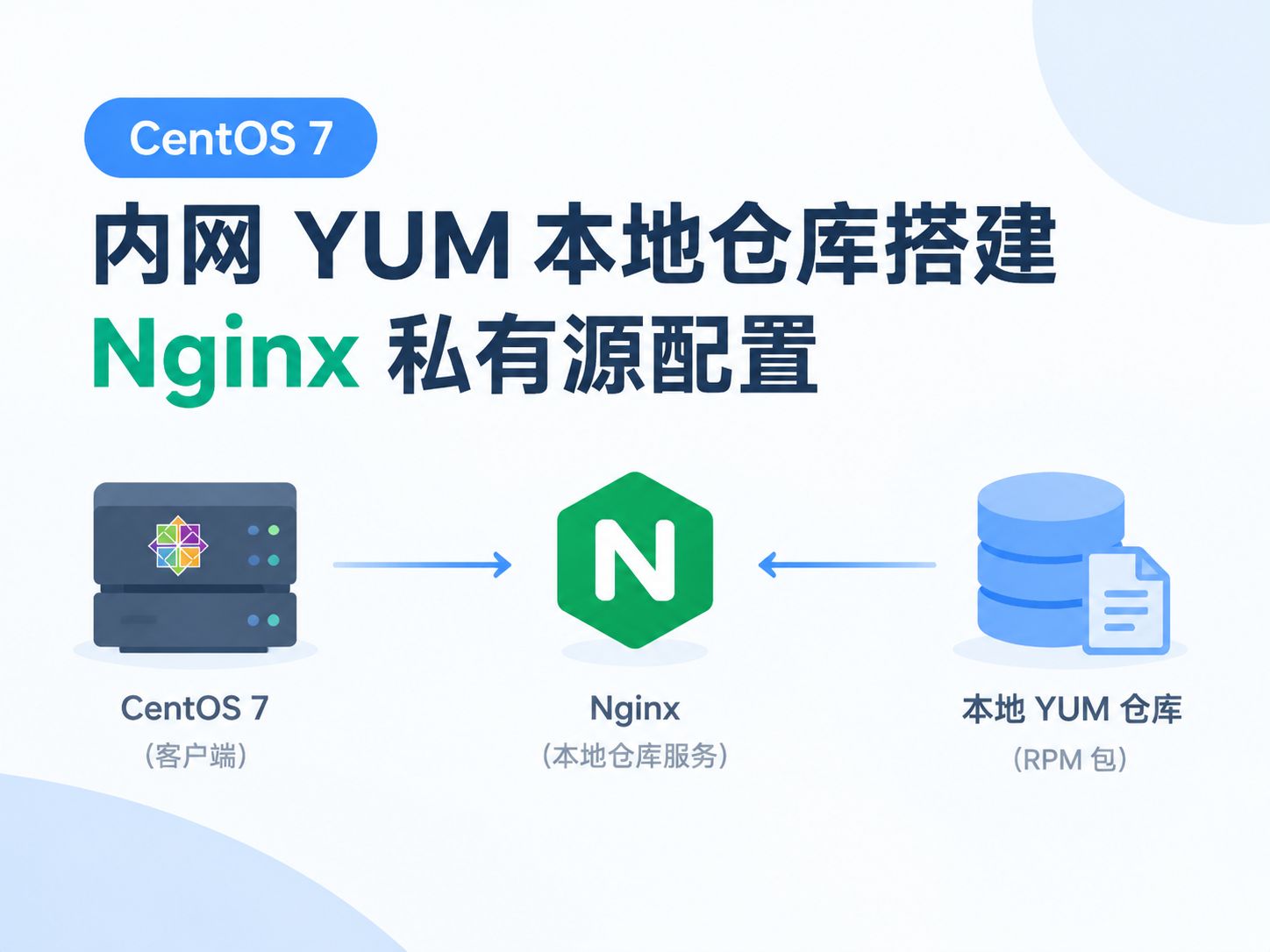
本文详解在 CentOS 7 离线内网环境中,基于 Nginx 搭建 YUM 本地私有仓库的完整流程。
1
切换yum源



1234
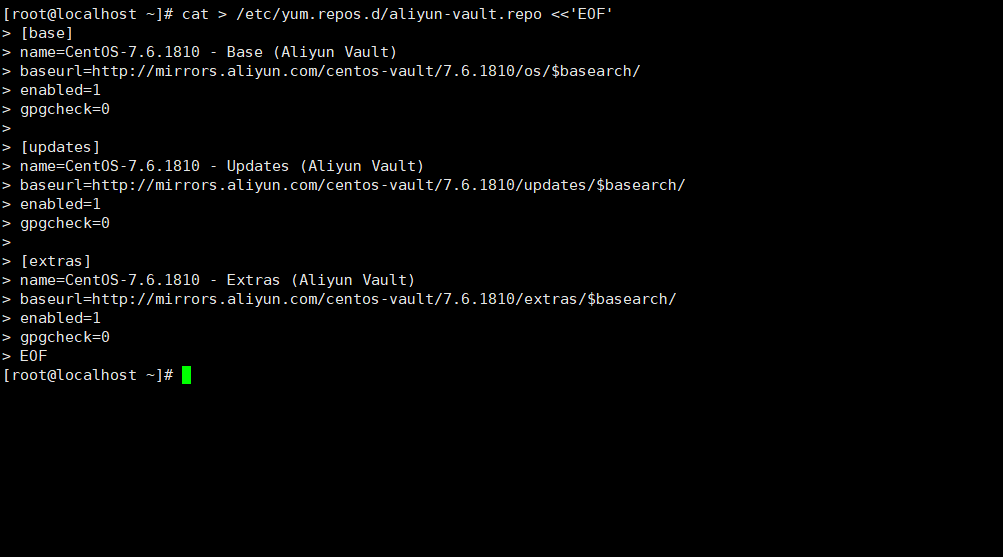
cat > /etc/yum.repos.d/aliyun-vault.repo <<'EOF'
[base]
name=CentOS-7.6.1810 - Base (Aliyun Vault)
baseurl=http://mirrors.aliyun.com/centos-vault/7.6.1810/os/$basearch/
enabled=1
gpgcheck=0
[updates]
name=CentOS-7.6.1810 - Updates (Aliyun Vault)
baseurl=http://mirrors.aliyun.com/centos-vault/7.6.1810/updates/$basearch/
enabled=1
gpgcheck=0
[extras]
name=CentOS-7.6.1810 - Extras (Aliyun Vault)
baseurl=http://mirrors.aliyun.com/centos-vault/7.6.1810/extras/$basearch/
enabled=1
gpgcheck=0
EOF
mkdir -p /etc/yum.repos.d/backup
mv /etc/yum.repos.d/*.repo /etc/yum.repos.d/backup/
mv /etc/yum.repos.d/backup/aliyun-vault.repo /etc/yum.repos.d/
# 验证源
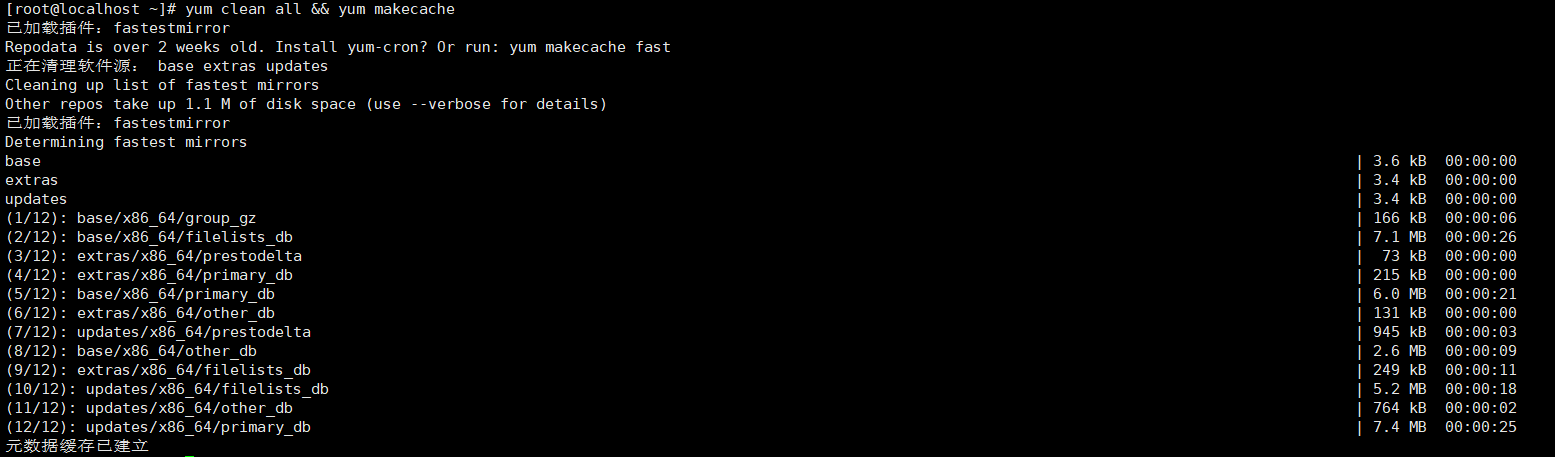
yum clean all && yum makecache
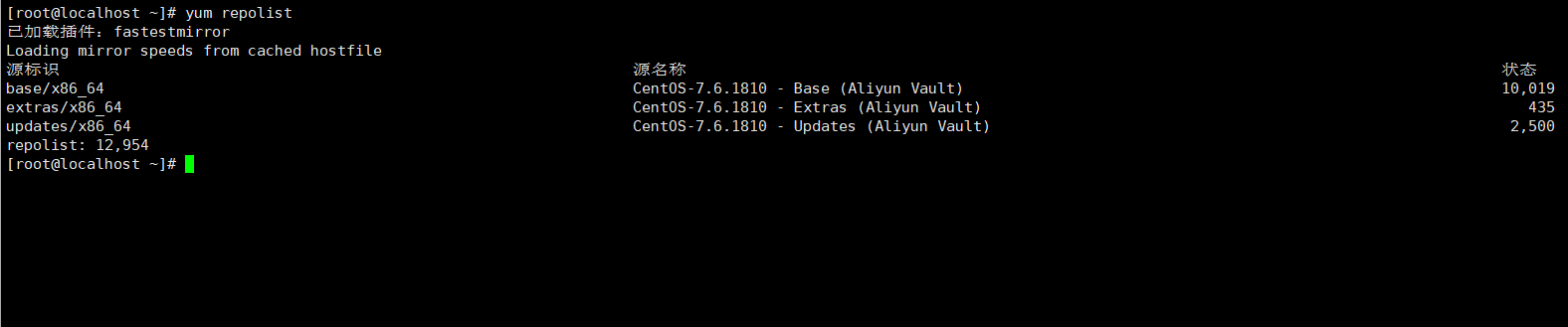
yum repolist
2
安装软件
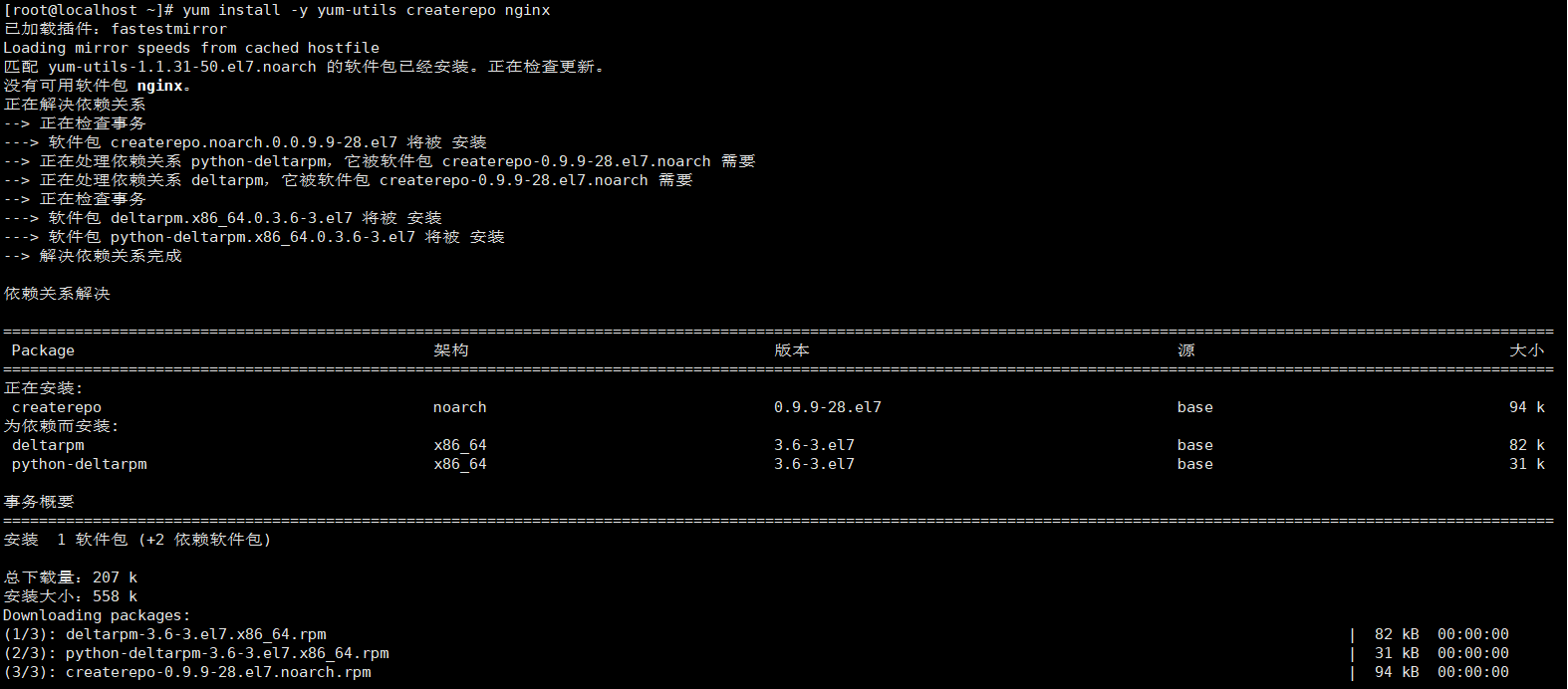
// 安装源服务器所需软件
yum install -y yum-utils createrepo nginx
3
创建存储目录

mkdir -p /var/www/html/centos/7
4
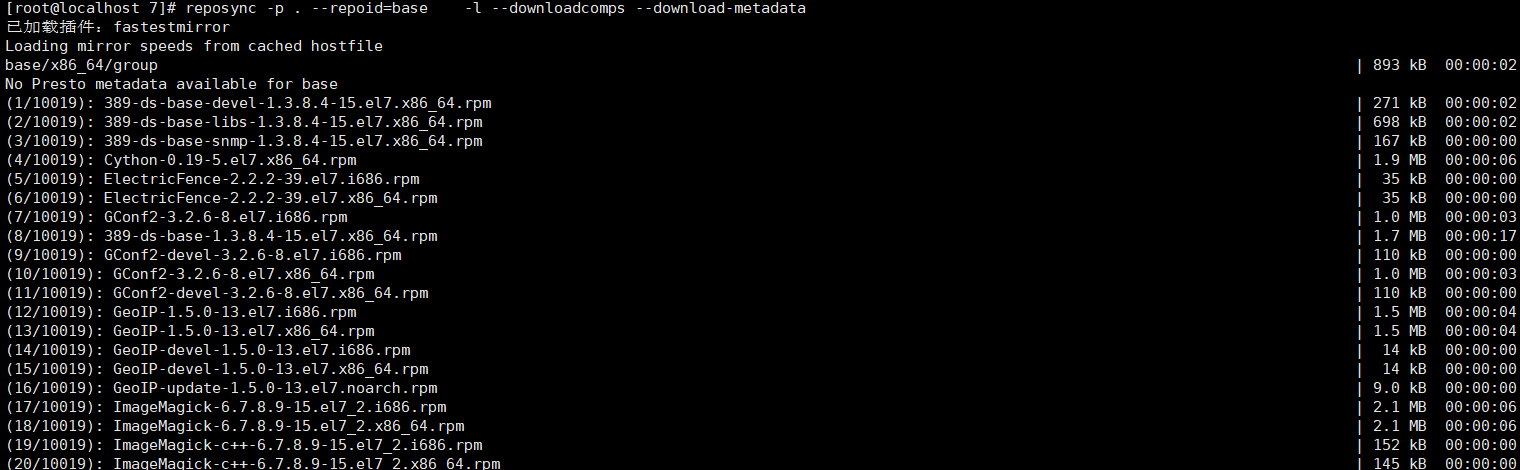
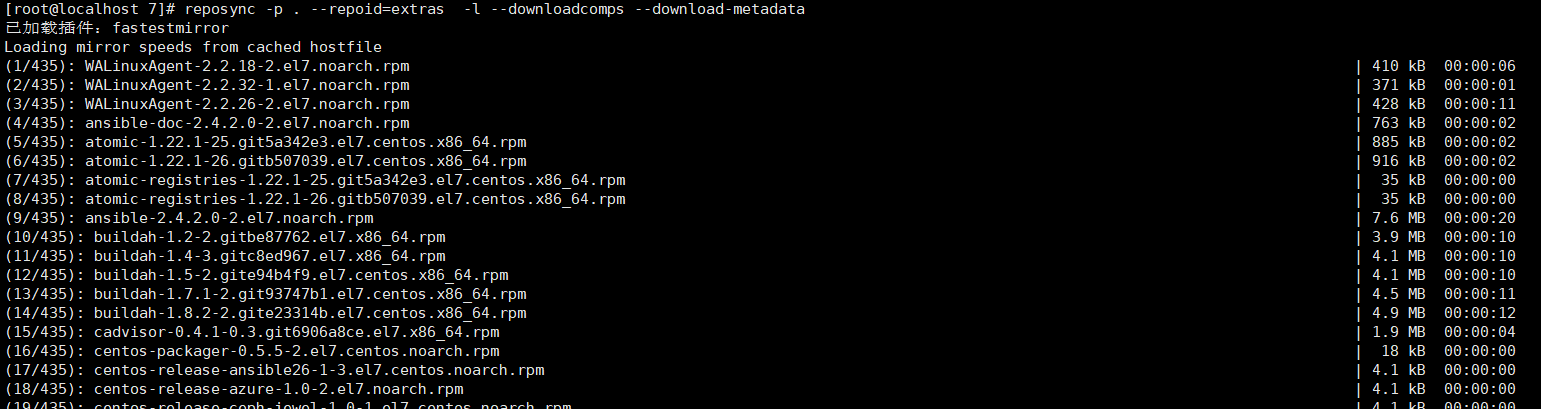
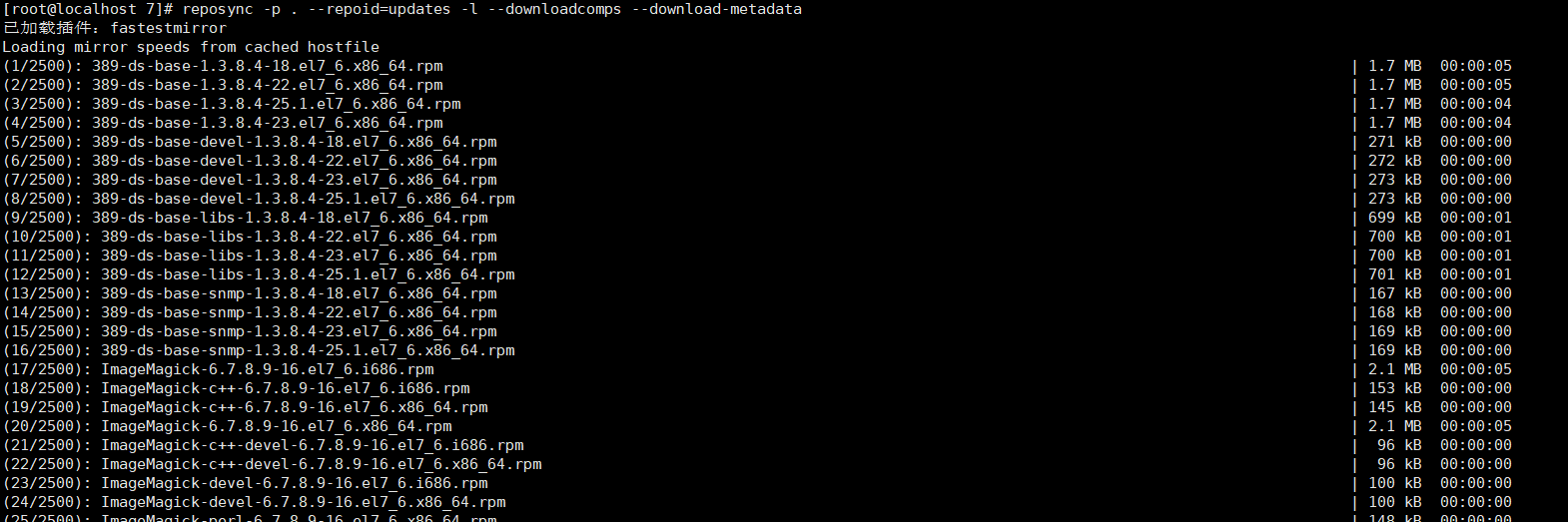
执行同步
123
//
cd /var/www/html/centos/7
reposync -p . --repoid=base -l --downloadcomps --download-metadata
reposync -p . --repoid=updates -l --downloadcomps --download-metadata
reposync -p . --repoid=extras -l --downloadcomps --download-metadata
5
重建仓库元数据
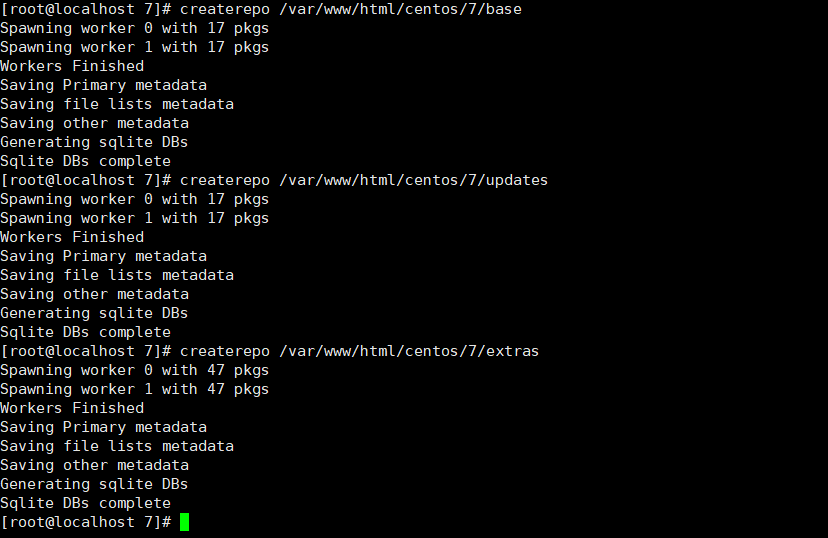
createrepo /var/www/html/centos/7/base
createrepo /var/www/html/centos/7/updates
createrepo /var/www/html/centos/7/extras
6
配置nginx
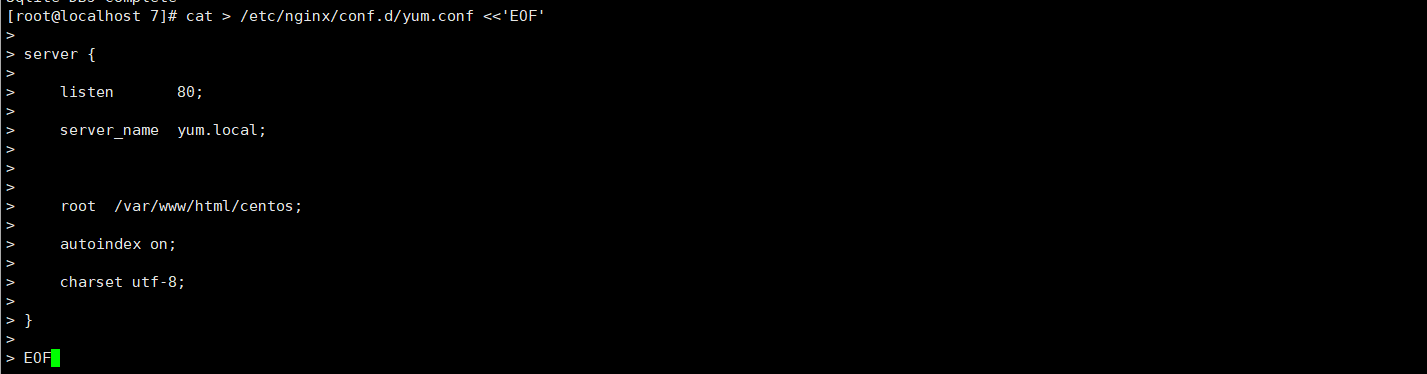
- nginx写入yum仓库站点信息
cat > /etc/nginx/conf.d/yum.conf <<'EOF'
server {
listen 80;
server_name yum.local;
root /var/www/html/centos;
autoindex on;
charset utf-8;
}
EOF
- 启动nginx服务
systemctl start nginx
systemctl status nginx
7
访问验证
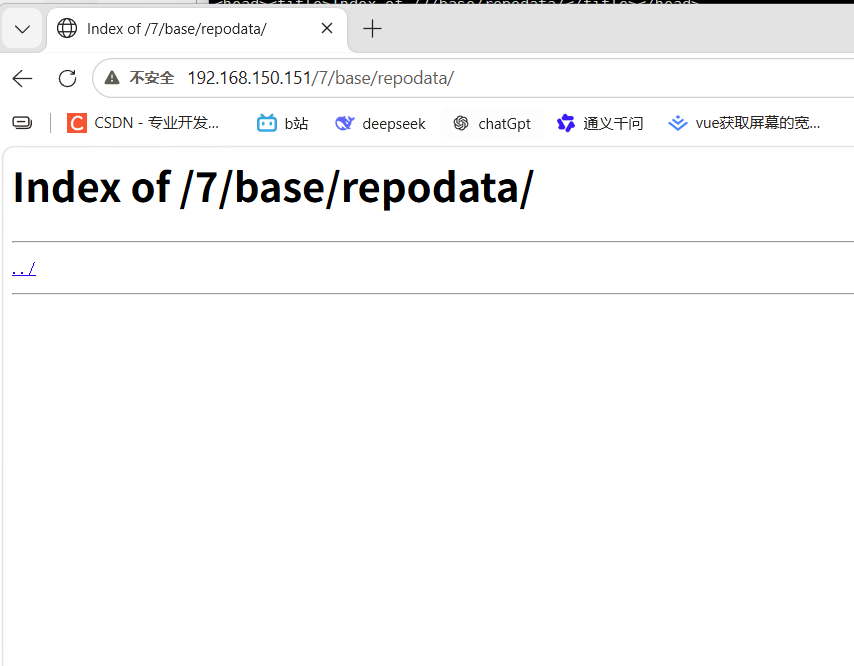
nginx服务启动后,在浏览器中访问http://ip/7,访问后可以看到同步yum目录,进入可以看到rpm文件列表,若显示空白、403或无法连接请检查nginx。
8
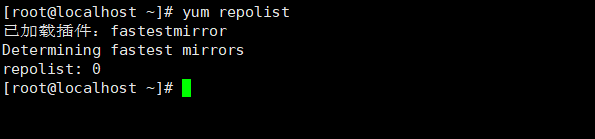
客户端测试

12
- 现在使用另一台内网机器访问yum源,首先需要备份本机yum源相关信息。
// 备份yum源
mkdir -p /etc/yum.repos.d/backup
mv /etc/yum.repos.d/*.repo /etc/yum.repos.d/backup/
- 编写本地yum源文件,其中需要修改部分为baseUrl,修改为内网机器ip地址和存储目录
cat > /etc/yum.repos.d/local.repo <<'EOF'
[base]
name=Local CentOS-7 Base
baseurl=http://192.168.1.10/7/base/
enabled=1
gpgcheck=0
[updates]
name=Local CentOS-7 Updates
baseurl=http://192.168.1.10/7/updates/
enabled=1
gpgcheck=0
[extras]
name=Local CentOS-7 Extras
baseurl=http://192.168.1.10/7/extras/
enabled=1
gpgcheck=0
EOF
- 配置文件书写完成后查看yum仓库文件
yum repolist
 0
0 0
0 0
0 qq空间
qq空间  微博
微博  复制链接
复制链接  分享
分享  本文未经作者允许授权,禁止转载
 更多相关项目
猜你喜欢
评论/提问(已发布 0 条)

 评论
评论  收藏
收藏  分享
分享  下载
下载  举报
举报  回顶部
回顶部