Vue 中使用 Lottie教学 并实现自定义控制动画
 0
0 0
0 0
0
本文教你在 Vue 3 中使用 Lottie 动画,并实现自定义控制,包括点击播放、从头开始、循环播放等操作。通过手把手示例,讲解动画初始化、绑定 DOM、播放与重置方法,让你的前端页面动画既生动又可控,轻松提升交互体验。
1
按照lottie
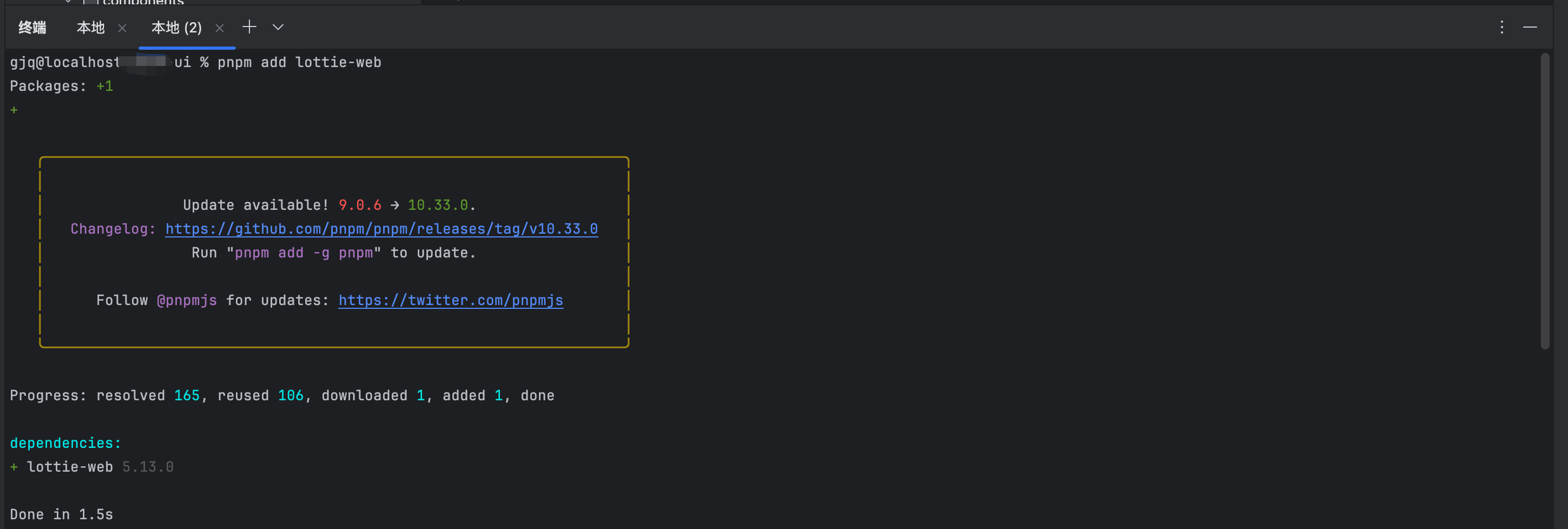
再终端输入以下命令 如图1所示
pnpm add lottie-web
2
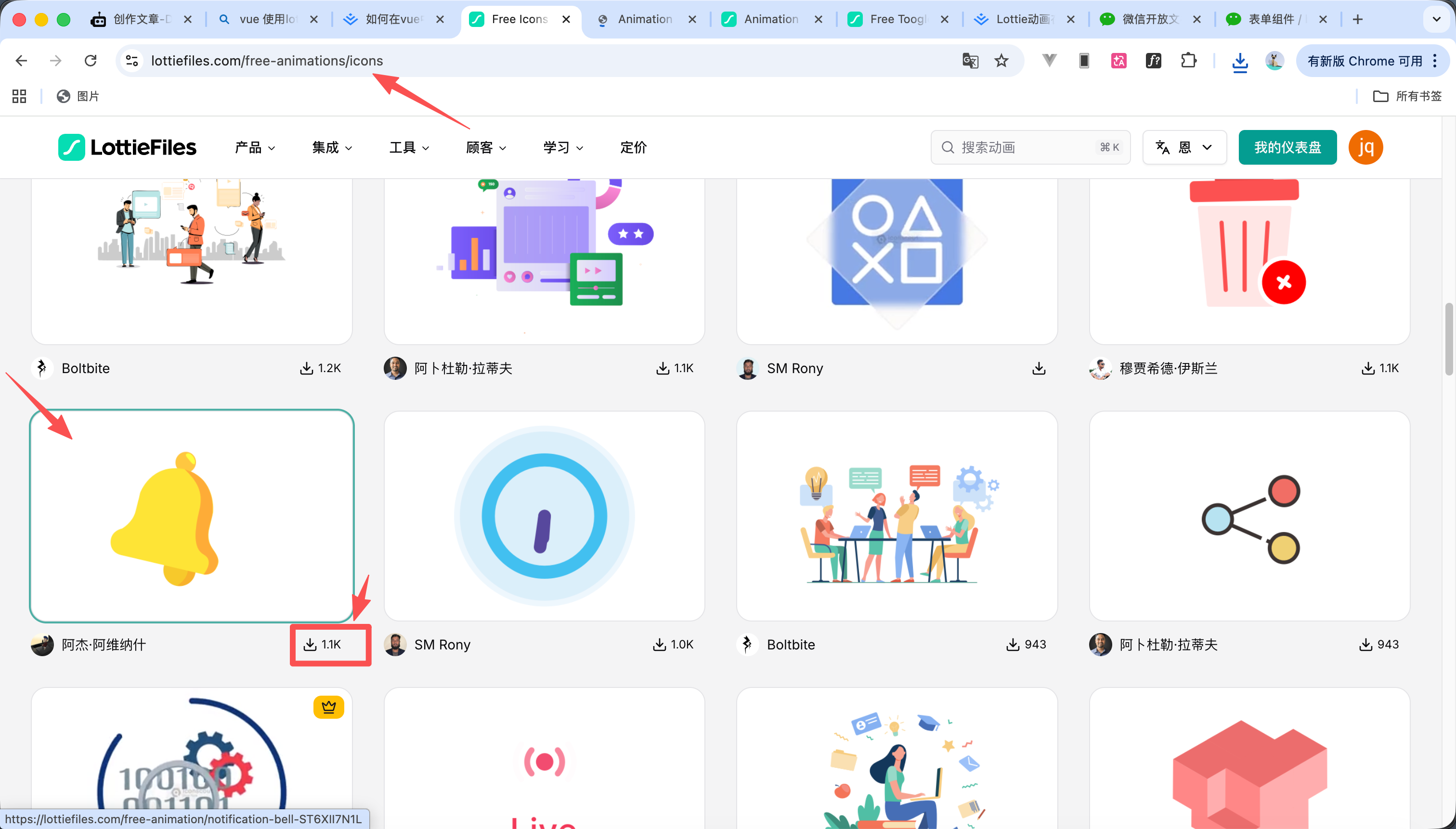
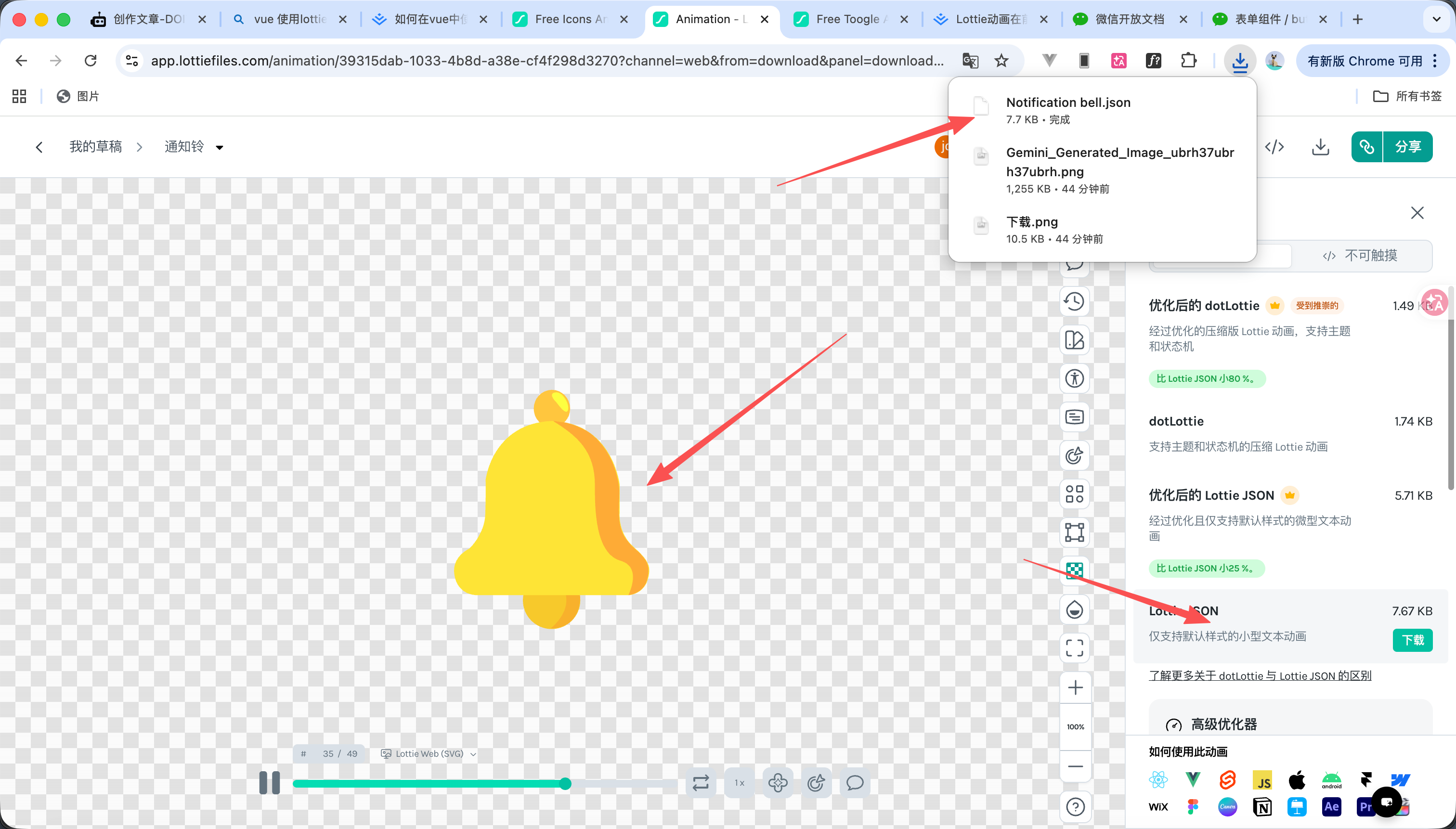
下载动画


12
3
展示lottie
12
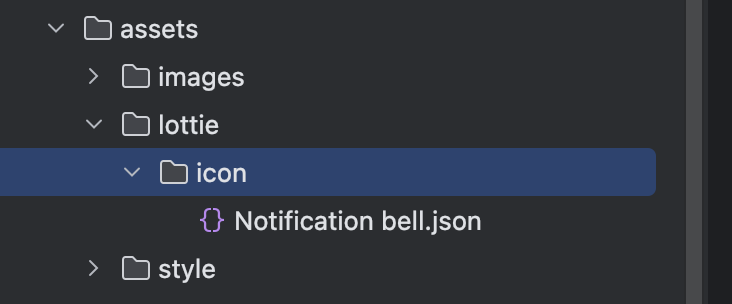
我们把下载好的文件放在资源文件夹下面 如图1所示
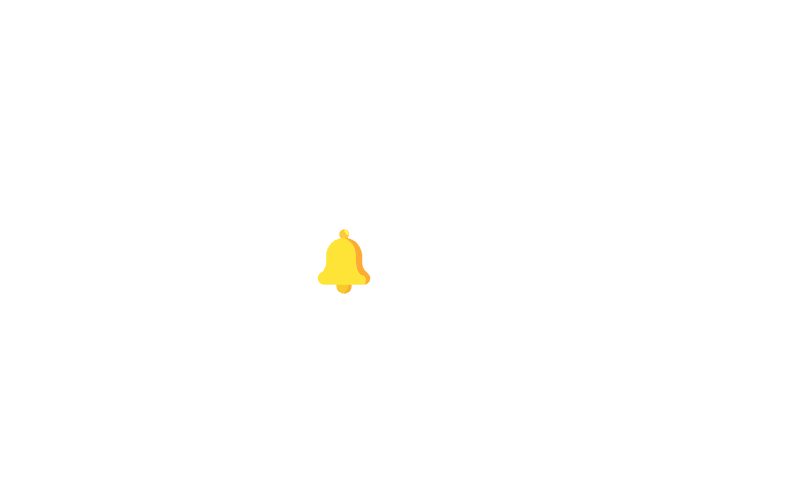
然后编写代码 内容如下 animationData是json 需要用import进行导入如 import message from '@/assets/lottie/icon/Notification bell.json' 效果看图2
<script setup lang="ts">
import message from '@/assets/lottie/icon/Notification bell.json'
import lottie from 'lottie-web'
import {onMounted, ref} from "vue";
const lottieRef = ref();
onMounted(()=>{
lottie.loadAnimation({
// 绑定dom节点
container: lottieRef.value,
// 渲染方式:svg、canvas
renderer: 'svg',
// 是否循环播放,默认:false
loop: false,
// 是否自动播放, 默认true
autoplay: false,
// json数据
animationData: message
})
})
</script>
<template>
<div
style="height: 2000px;display: flex;align-items: center;justify-content: center;background-color: white;width: 100%">
<div class="lottie-box" ref="lottieRef">
</div>
</div>
</template>
<style scoped lang="scss">
.lottie-box{
width:50px;
height: 50px;
}
</style>
4
操作lottie
我现在想实现一个点击一下就动起来的效果
代码如下 效果看视频
<script setup lang="ts">
import message from '@/assets/lottie/icon/Notification bell.json'
import lottie, {type AnimationItem} from 'lottie-web'
import {onMounted, ref} from "vue";
const lottieRef = ref();
let animation = ref<AnimationItem>();
onMounted(() => {
animation.value = lottie.loadAnimation({
// 绑定dom节点
container: lottieRef.value,
// 渲染方式:svg、canvas
renderer: 'svg',
// 是否循环播放,默认:false
loop: false,
// 是否自动播放, 默认true
autoplay: false,
// json数据
animationData: message
})
})
/**
* 点击触发动画
*/
const lottieClick = () => {
if (!animation.value) return
// 停止当前动画
animation.value.stop()
// 从第0帧开始播放
animation.value.goToAndPlay(0, true)
}
</script>
<template>
<div
style="height: 2000px;display: flex;align-items: center;justify-content: center;background-color: white;width: 100%">
<div class="lottie-box" ref="lottieRef" @click="lottieClick">
</div>
</div>
</template>
<style scoped lang="scss">
.lottie-box {
width: 50px;
height: 50px;
}
</style>
 0
0 0
0 0
0 qq空间
qq空间  微博
微博  复制链接
复制链接  分享
分享  本文未经作者允许授权,禁止转载
 更多相关项目
猜你喜欢
评论/提问(已发布 0 条)

 评论
评论  收藏
收藏  分享
分享  下载
下载  举报
举报  回顶部
回顶部